650+ Decorative Images, Meal Tags, Recipe Categories, Grocery Labels & More

Skip to product information
1 of 3

Digital Cooking Sticker Bundle

Digital Cooking Sticker Bundle

Regular price $9.95 USD
Regular price $0.00 USD Sale price $9.95 USD
Sale Sold out
Taxes included. Shipping calculated at checkout.

650+ digital stickers bringing together everything you need to organise your cooking life — in one beautiful, cohesive collection.

The complete sticker system for the woman who wants cooking to feel like creativity, not chaos. Includes hand-drawn cooking stickers for personality (baking moments, kitchen scenes, gourmet-chef energy), plus functional labels and widgets for organised meal planning (meal type tags, recipe category labels, grocery list markers, cooking method tags, hydration trackers, and meal prep widgets). 

Pre-cropped and ready to use in GoodNotes, Notability, Samsung Notes, Xodo, and all similar note-taking apps.

View full details
  • Instant Download

    Delivered to your inbox. Start planning in minutes.

  • 650+ Stickers & Labels

    hand-drawn + functional stickers, lables & widgets

  • Pre-Cropped PNGs

    GoodNotes sticker book + individual PNG files.

  • Ethnic Variations Included

    Because your stickers should represent you.

  • Works With Every App

    GoodNotes, Notability, Samsung Notes, Xodo & more.

The Complete Sticker System for Cooking That Feels Like Creativity

Most recipe organisation feels like admin. The Cooking Sticker Bundle turns meal planning into something joyful — all in our beautiful cohesive, soft-girl aesthetic.

Hand-drawn illustrations for the moments that deserve to be savoured — baking afternoons, coffee rituals, gourmet chef energy. Functional labels for the planning that needs structure — meal categories, cooking methods, grocery tags, recipe organisation. Mealtime affirmations and themed stickers for every kitchen mood.

Every sticker designed in our signature aesthetic. Each one pre-cropped and ready to use.

What's Inside:

🎨 Hand-Drawn Cooking Stickers
The full collection of illustrated stickers — baking moments, kitchen scenes, coffee-making rituals, and gourmet-chef energy — in our signature hand-drawn style.

🏷️ Meal Type & Recipe Category Labels
Recipe category tags, meal type labels, and cooking style markers for organised recipe filing.

🍳 Cooking Method & Technique Tags
Cooking method labels, healthy option markers, high-protein tags, and prep method widgets for every technique.

🛒 Grocery & Meal Prep Widgets
Grocery list widgets, menu planner markers, meal prep tags, hydration trackers, and ingredient category labels for streamlined kitchen planning.

🎉 Themed Meal Stickers
Themed dinner stickers, weekly meal planner widgets, and rating stickers for every dish.

📚 GoodNotes Sticker Book + Individual PNGs
Pre-loaded GoodNotes sticker book for one-tap access, plus individual PNG files with transparent backgrounds for use in any app.

📖 User Guide
A step-by-step user guide on how to import your stickers into your app of choice, and start decorating your planner pages in 3 easy steps.

⭐⭐⭐⭐⭐

"Very happy with this purchase! Thank you very much! :-)" — Agatha

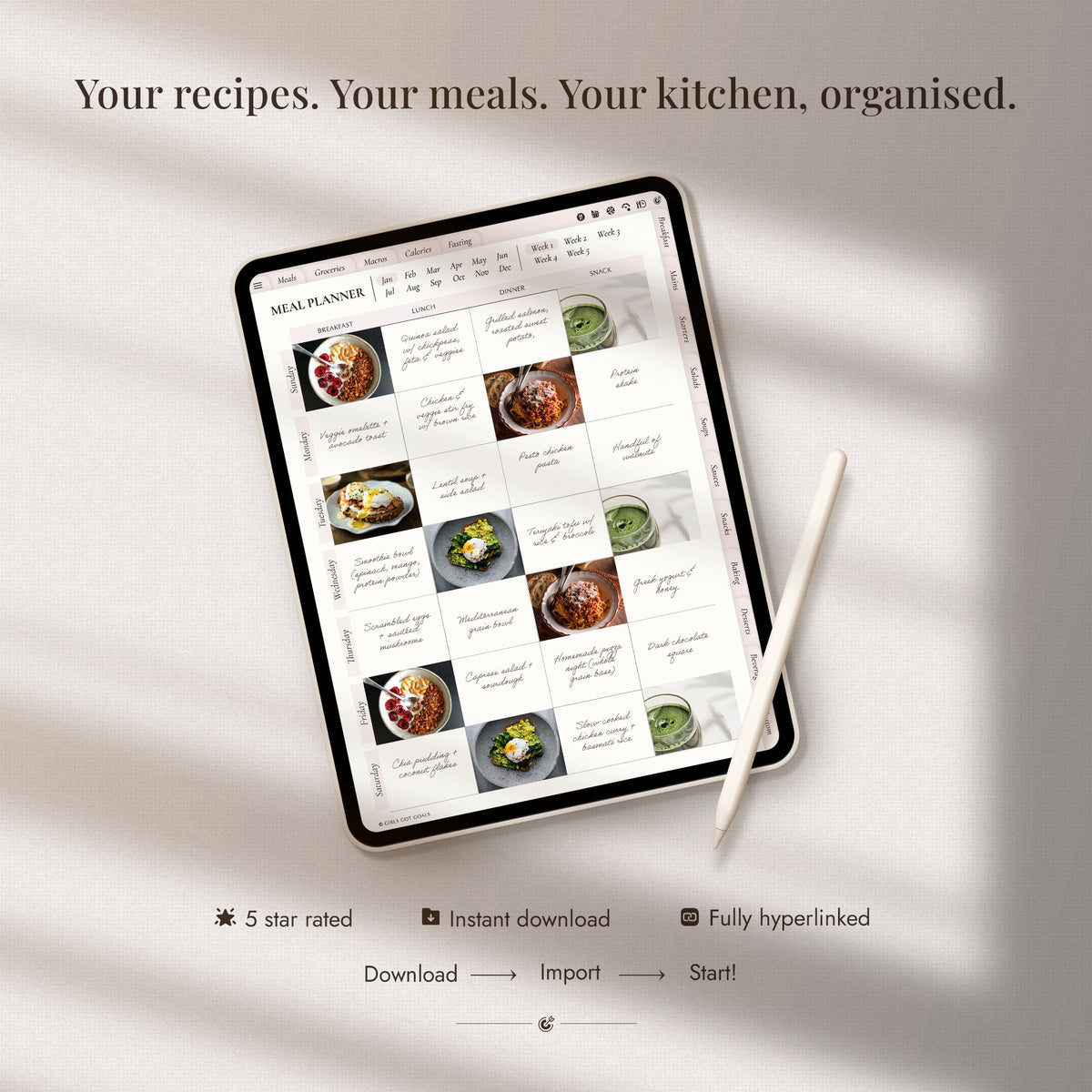
Designed to Pair Perfectly With Our Recipe Book & Meal Planner 💕

The Cooking Sticker Bundle was designed as the ultimate companion to the Recipe Book & Meal Planner. With 650+ stickers covering every cooking scenario, you'll have everything you need to make every recipe page and meal plan feel creative, beautiful, and organised.

Who These Stickers Are For

These Stickers Are For You If…

✅ You want the complete cooking sticker experience — decorative AND functional

✅ You use a digital recipe book or meal planner and want every kitchen scenario covered

✅ You love the soft-girl aesthetic and want cooking to feel beautiful, not clinical

✅ You want meal planning to feel like creativity, not chaos

✅ You use GoodNotes, Notability, or any digital planning app

They Might Not Be For You If…

❌ You only want decorative stickers without labels and widgets

❌ You don't use a tablet or digital planning apps

❌ You prefer minimal, single-purpose sticker packs

⭐⭐⭐⭐⭐

"They are honestly beautiful! Ideal for creating your own recipe book or even organizing your weekly meal prep. A total success!" — Bel Caparroz

Ready to Make Cooking Inspiring? 🍳

FREQUENTLY ASKED QUESTIONS

What are digital stickers?

Digital stickers are pre-designed graphics you can place into your digital planner. Our stickers come in two formats - as individual PNG images, and as a GoodNotes sticker sheet. You can simply drag and drop the PNG images onto your planner pages, or if you're using GoodNotes - import the sticker sheet and copy stickers into your planner.

What do I receive when I purchase?

You'll receive an instant download with:

  • A pre-loaded GoodNotes sticker book (.goodnotes file) for one-tap access in GoodNotes
  • Individual PNG files for every sticker, each with a transparent background — perfect for all other apps
  • A User Guide PDF

Which apps do your stickers work with?

Our stickers work with every major digital planning and note-taking app, including GoodNotes, Notability, Noteshelf, Samsung Notes, Xodo, Colla Note and all similar note-taking apps. If your app supports PNG image imports, our stickers will work.

How do I download my stickers after purchase?

After purchase, you'll receive an email with a download link. Click the link and save the files to your device. If you're using a tablet, we recommend downloading directly to the tablet to avoid extra transfer steps. Note that the individual PNG images come in a zipped file, you need to tap (or double-click) the file to unzip it first.

If you have any issues with downloading, just reach out — we're always happy to help.

How do I import stickers into my planning app?

Most digital planning apps allow you to drag and drop images directly onto the planning pages. You can also import the GoodNotes sticker sheet into GoodNotes and copy/paste the stickers using the lasso tool. We provide a user guide with step-by-step instructions with each purchase.

Can I use the stickers on multiple devices?

Yes! Once you've downloaded the files, you can use them on any compatible device you own. Most note-taking apps also offer cloud syncing, so your stickers can travel across your iPad, iPhone, laptop, and any other devices you use for planning.

Are the stickers pre-cropped?

Yes, every sticker is pre-cropped with a transparent background, so you can drag and drop them straight onto your planner pages. No cropping, resizing, or extra work needed.

Do the stickers work with paper planners?

Our stickers are designed for digital planning. You could technically print them, but they'll lose their transparent backgrounds and won't behave like traditional printable stickers. For the best experience, we recommend using them in digital planning apps.

Can I resize the stickers?

Yes, digital stickers can be resized to fit any space on your planner page. The stickers are high resolution, so they'll stay crisp whether you make them smaller or larger.

Can I use these stickers with any digital planner, or only yours?

Our stickers work with any digital planner or journal that supports PNG imports or GoodNotes sticker books. They're designed to complement the Girls Got Goals planners aesthetically, but you can use them on any digital planner you own.

Can I share the stickers with someone else?

Our stickers are for personal use only. You cannot resell, distribute, or share the files with others. If someone you know is interested in our stickers, we kindly ask that you direct them to our store.

Is there a refund or exchange policy?

Due to the digital nature of our products, we do not offer refunds or exchanges. Please reach out if you encounter any issues, and we’ll be happy to assist you.

The Planner Girl Hub

Meal Planning Made Easy: How to Use a Digital Recipe Book

Discover how a digital recipe book can make meal planning simple and stress-free. Organize your recipes, plan meals, and simplify grocery shopping—all in one convenient place!

👉 READ THE BLOG POST